Debido a que continúa siendo ínfimo el porcentaje de asegurados que confirman o cancelan su asistencia a la cita médica, desde el Instituto de Previsión Social (IPS) analizan centrar este procedimiento solo en las especialidades médicas con más demanda (oftalmología, neurología, cardiología y otros) o por clínicas periféricas y hospitales o por turnos.
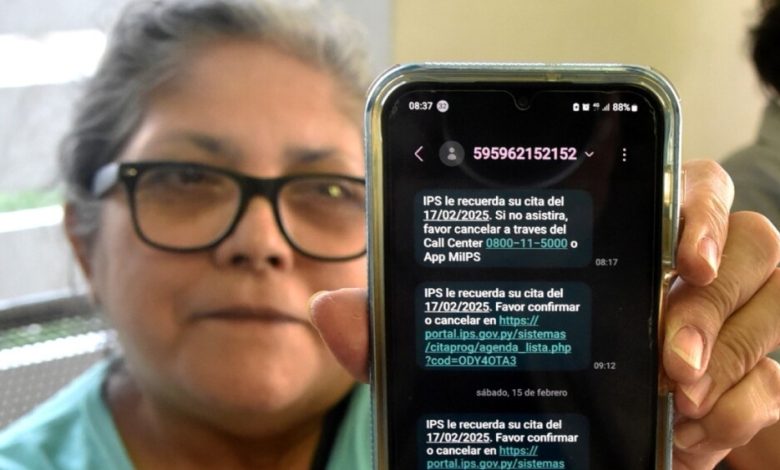
El objetivo del nuevo sistema de confirmación o cancelación 48 horas antes del día de la consulta es la recuperación de turnos –debido al ausentismo del 25%– para redireccionarlos a otros asegurados, que conforman una lista de espera.
“Nosotros aún seguimos viendo cuál sería el modelo más efectivo. Ahora estamos viendo si lo hacemos por los turnos o vemos por alguna clínica donde se tengan más pacientes asignados. O si lo atacamos por especialidad. Eso vamos a ir analizando con el área médica, con la gente de la gerencia de salud para ir ajustando el proceso”, explicó a ÚH el licenciado Juan Carlos Frutos, gerente de Desarrollo y Tecnología.
El gerente de Tecnología señaló que la cifra de confirmaciones es similar al lunes pasado, pero que seguirá el procedimiento de cancelaciones o confirmaciones.
El recordatorio se envía a través del (0962) 152-152 con un link. Pero el procedimiento también se puede hacer a través de la web, la aplicación Mi IPS o por el Call center, en la opción 3. “Tenemos que seguir atacando el ausentismo para poder sacar más provecho de los turnos disponibles. Como es limitado, es un recurso bastante valioso para nosotros”.
Añadió que tras detectar algunos errores del sistema automatizado del envío de mensajes de texto –que es propiedad del IPS–, se realizaron los cambios. “Detectamos un inconveniente con el enlace que para algunos modelos muy particulares no estaba funcionando bien y ya se hizo la corrección”. Los cambios del mecanismo que se aplicarán a otras áreas se decidirán esta semana.
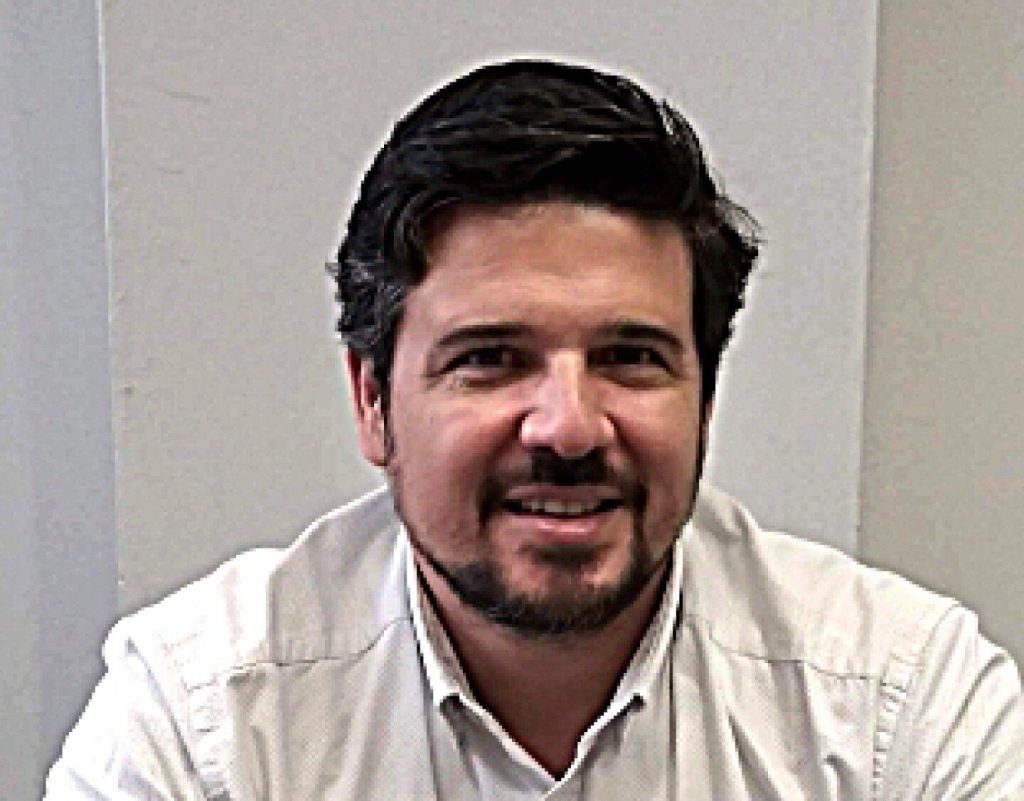
Tenemos que seguir atacando el ausentismo para poder sacar más provecho de los turnos disponibles. Lic. Juan Carlos Frutos, gerente de Tecnología