Las víctimas fueron encontradas con heridas graves: uno de ellos, identificado como Derlys Torres Enríquez, de 29 años, oriundo de Cuartelero, Horqueta, y domiciliado en Pedro Juan Caballero.
El fallecido presentaba una herida de arma de fuego en el tórax, presumiblemente de escopeta, que le habría provocado un shock hipovolémico.
El segundo cuerpo, aún sin identificar, corresponde a un hombre de aproximadamente 45 años, de aspecto indígena, quien tenía una herida cortante en el abdomen —aparentemente producida con arma blanca— y otra herida por arma de fuego en el hombro izquierdo. También se determinó como causa probable de muerte el shock hipovolémico.
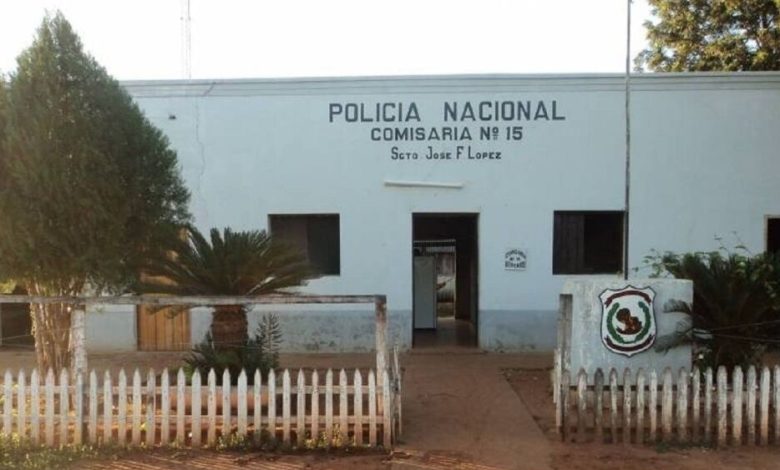
El hallazgo de ambos cuerpos se registró el viernes, cerca de las 18:40, a unos 5 kilómetros de la ciudad de Sargento josé Félix López, al costado de la ruta que conduce a la Colonia Jorge Sebastián Miranda.
Los cuerpos fueron trasladados en una patrullera de la Comisaría 15ª hasta la Morgue Judicial de Concepción, donde el fiscal de turno, Arnaldo Argüello, y el médico forense Roberto Barrios, realizaron la inspección correspondiente junto a personal de Criminalística.
El cuerpo de Torres fue entregado a su hermano, Herminio Torres Enríquez, mientras que el otro permanece en la morgue a la espera de ser identificado o reclamado.
La Dirección de Investigaciones de Hechos Punibles ya se encuentra trabajando en el caso para esclarecer las circunstancias del doble crimen y dar con familiares del segundo fallecido.