A un mes del último aumento, anuncian nueva suba de Petropar del diésel y la nafta premium

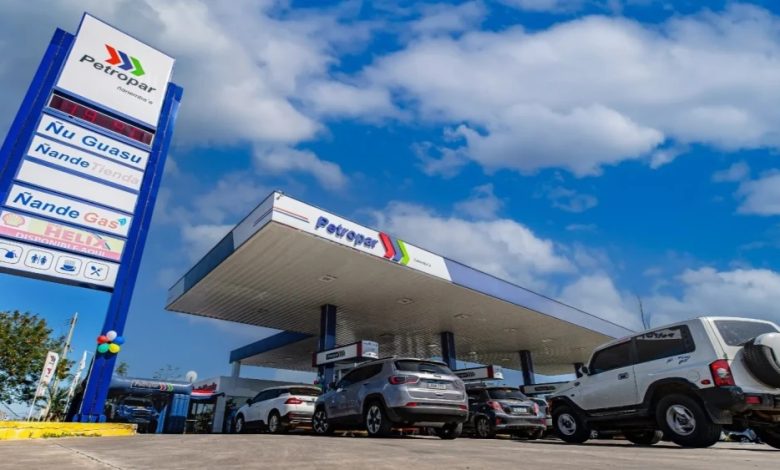
Petróleos Paraguayos (Petropar) anunció la suba de sus combustibles desde este jueves, en G. 495 por litro para el diésel y en G. 150, para la nafta premium, denominada Aratiri 97, en el marco de los aumentos de precios internacionales del petróleo, causado por la inestabilidad en Oriente Medio. Las naftas de 88 y 93 octanos no varían sus costos.
Así las cosas, las nuevas tarifas que rige por litro desde este mismo jueves para todas las estaciones de servicio de la petrolera estatal son: Diésel Porã (común), G. 8.785; Diésel Mbarete, G. 10.795; Nafta Kape 88, G. 6.990; Nafta Oikoite 93, G. 7.490; y Nafta Aratirí, G. 8.990 el litro.
La última suba oficial del combustible había sido el pasado 17 de agosto, cuando Petropar anunció el aumento de unos G. 300 por litro. Esos precios vigentes eran: Diésel Porã (común), G. 8.290; Diésel Mbarete, G. 10.300; Nafta Kape 88, G. 6.990; Nafta Oikoite 93, G. 7.490; y Nafta Aratirí, G. 8.840 el litro.
La semana pasada, el presidente de la petrolera estatal, William Wilka, había dicho que la intención era “estirar todo lo que se pueda los precios” y que al aumentar, los harían “de forma gradual y responsable”.
“El mes de mayo tuvimos el último pico; en junio bajó la cotización y lo que es julio, agosto y septiembre realmente se está manteniendo en valores demasiado altos. Estamos cerrando la primera quincena, vamos a ver las reposiciones y ventas planificadas para este mes. Por lo menos esta semana no vamos a hacer ningún ajuste”, había dicho el funcionario