Hombre declarado muerto “revive” en la morgue, pero fallece finalmente en Asunción

Un hombre identificado como Ramón Zaracho, de 41 años, falleció finalmente en Asunción luego de un episodio insólito ocurrido entre los departamentos de San Pedro y la capital, donde fue declarado muerto, volvió a presentar signos vitales en la morgue y luego murió definitivamente.
El paciente, con quemaduras en el 98% del cuerpo, había sido trasladado de urgencia desde la zona de Capitán Bado hasta el Hospital General de Santa Rosa del Aguaray. Durante el traslado hacia Asunción, a la altura de San Estanislao (Santaní), sufrió un paro cardiorrespiratorio, por lo que la ambulancia retornó al hospital de origen.
En el centro asistencial, el personal médico intentó reanimarlo sin éxito y, tras unos 30 minutos de evaluación, fue declarado fallecido. El cuerpo fue derivado a la morgue e incluso se iniciaron trámites con una funeraria.
Sin embargo, cuando se realizaban los procedimientos fúnebres y le aplicaron agua fría, el hombre reaccionó y recuperó signos vitales, por lo que fue trasladado nuevamente a Urgencias y estabilizado.
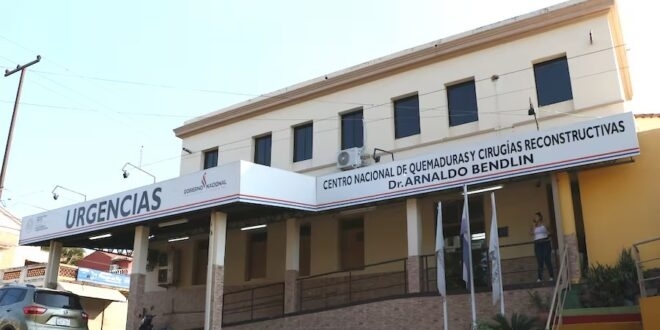
Posteriormente, fue derivado otra vez con urgencia al Hospital del Quemado en Asunción, donde finalmente se confirmó su fallecimiento, según el reporte del director del CENQUER, doctor Saúl Zaputovich.
El caso fue calificado como inusual por el director del hospital de Santa Rosa, quien no descartó un posible cuadro de catalepsia debido a la aparente ausencia de signos vitales en el primer momento